
MinuteBud
Say it once. Get the words you meant.
MinuteBud turns what you say into clean text in any app, and your meetings into notes that show who said what. On iPhone, iPad and Mac.
Built by RoomAMDOur own product
Build something like this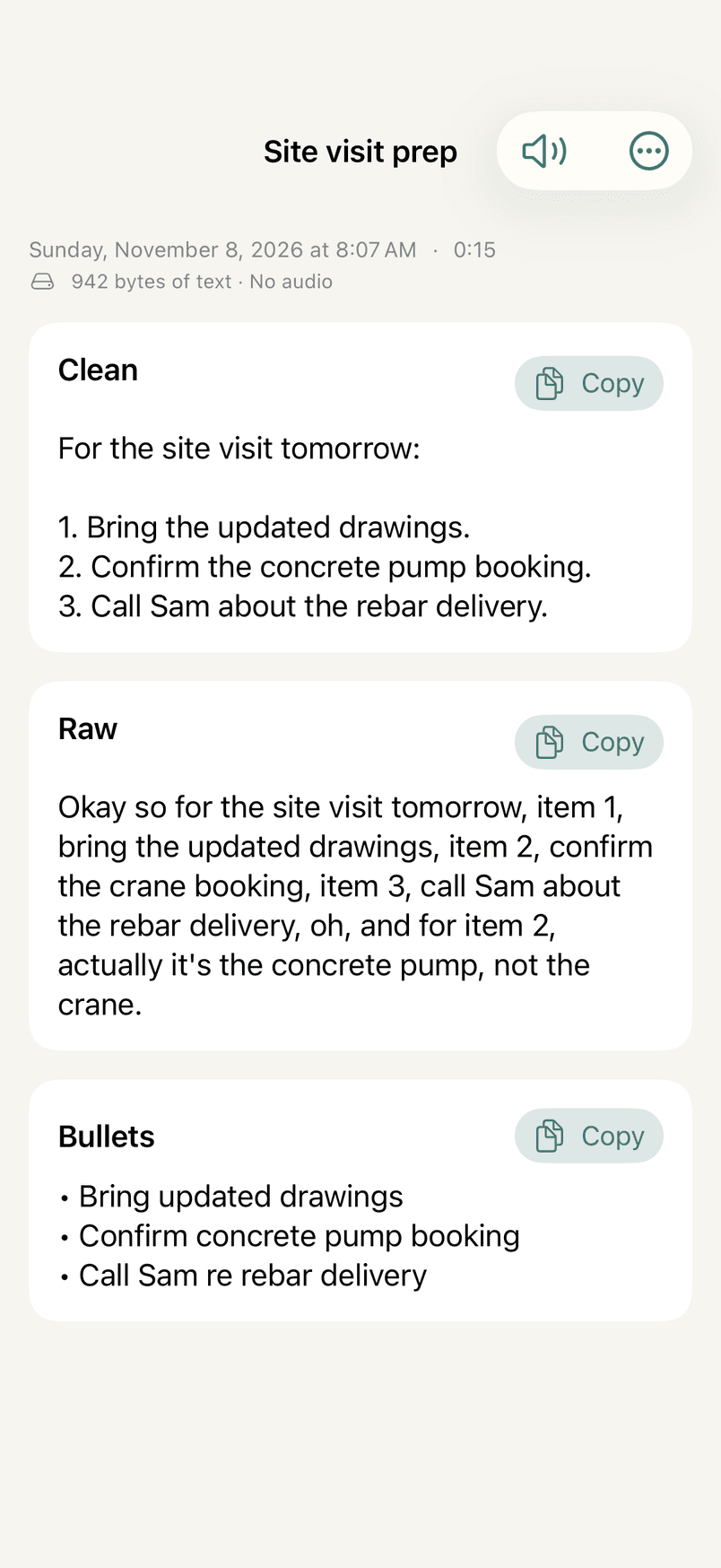
The keyboard
Talk into Messages, Mail, Notes, anything.
Switch to the MinuteBud keyboard and tap the mic. Your words appear as you speak; Pause if you need a second, Cancel if you change your mind. When you stop, the tidied text is typed in for you.
The first tap opens MinuteBud once to turn the microphone on. After that the keyboard records without leaving your app, for 15 minutes or however long you set.
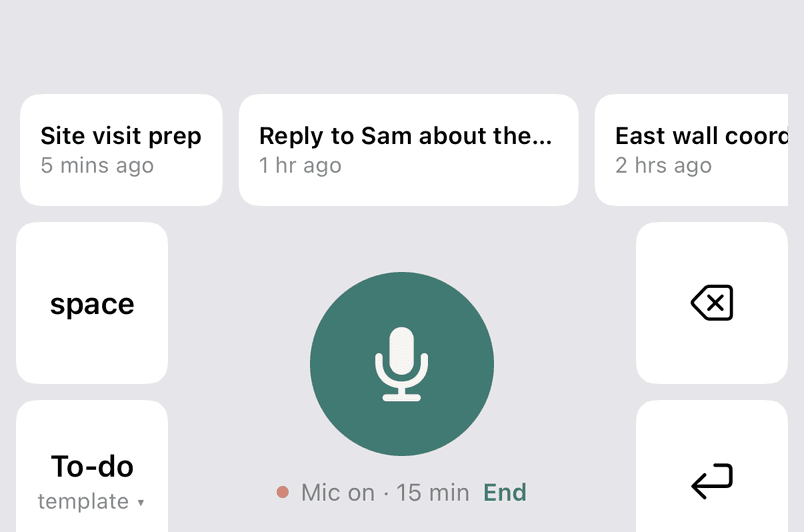
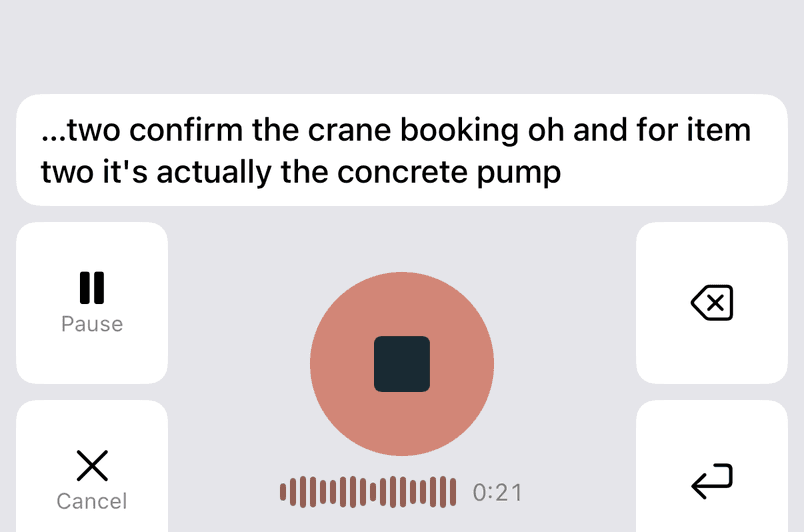
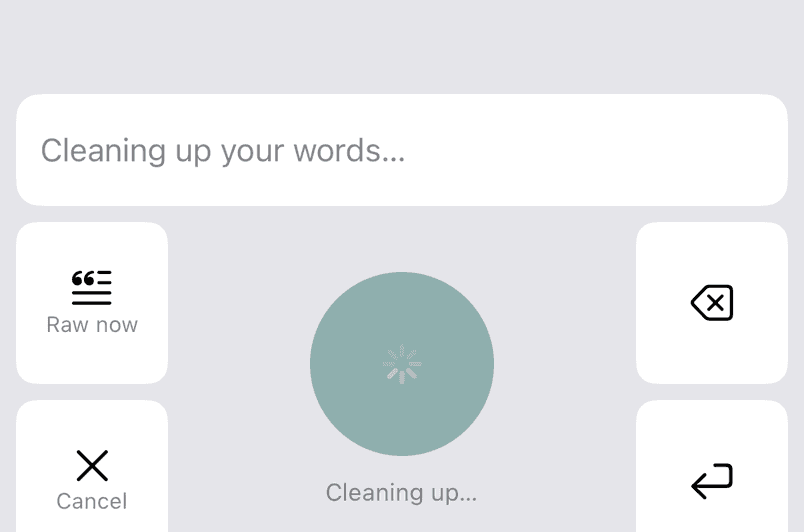
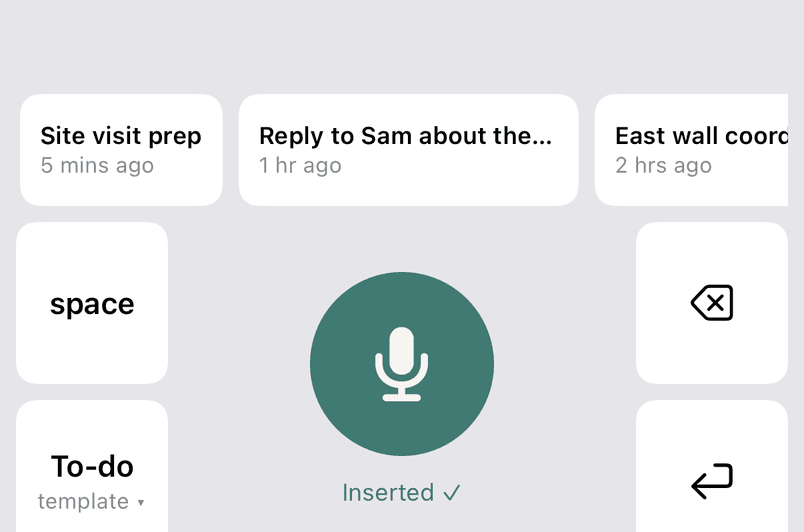
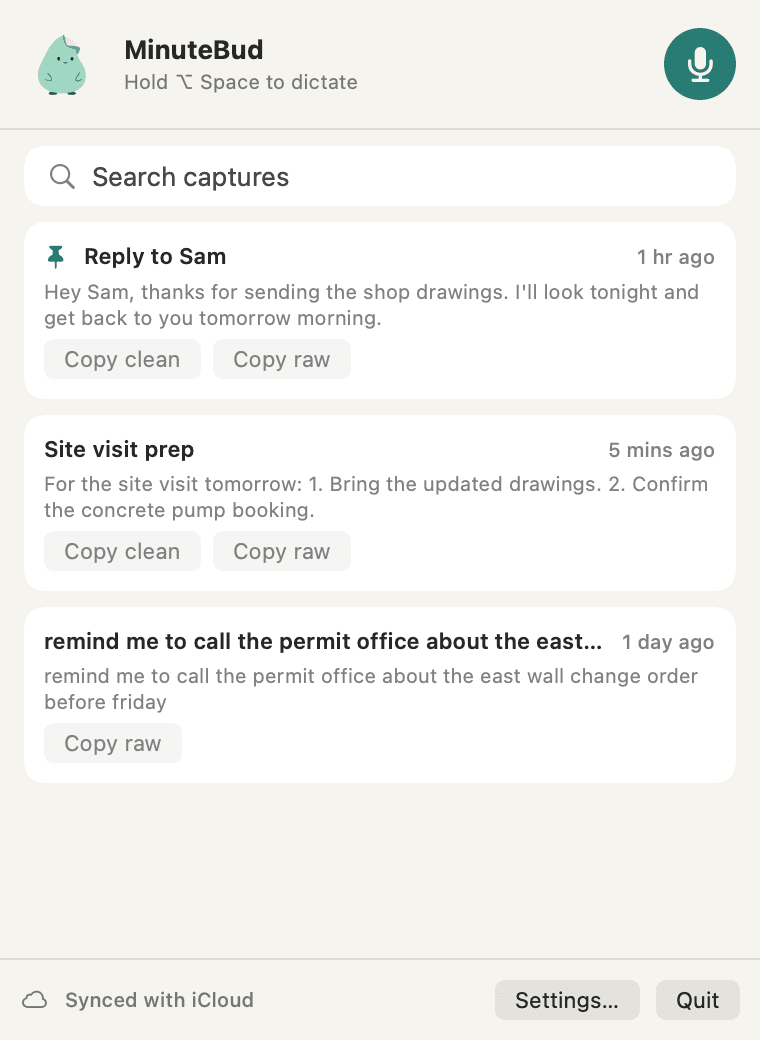
Your recent captures are one tap away.
Templates
Say it once. Pick the shape.
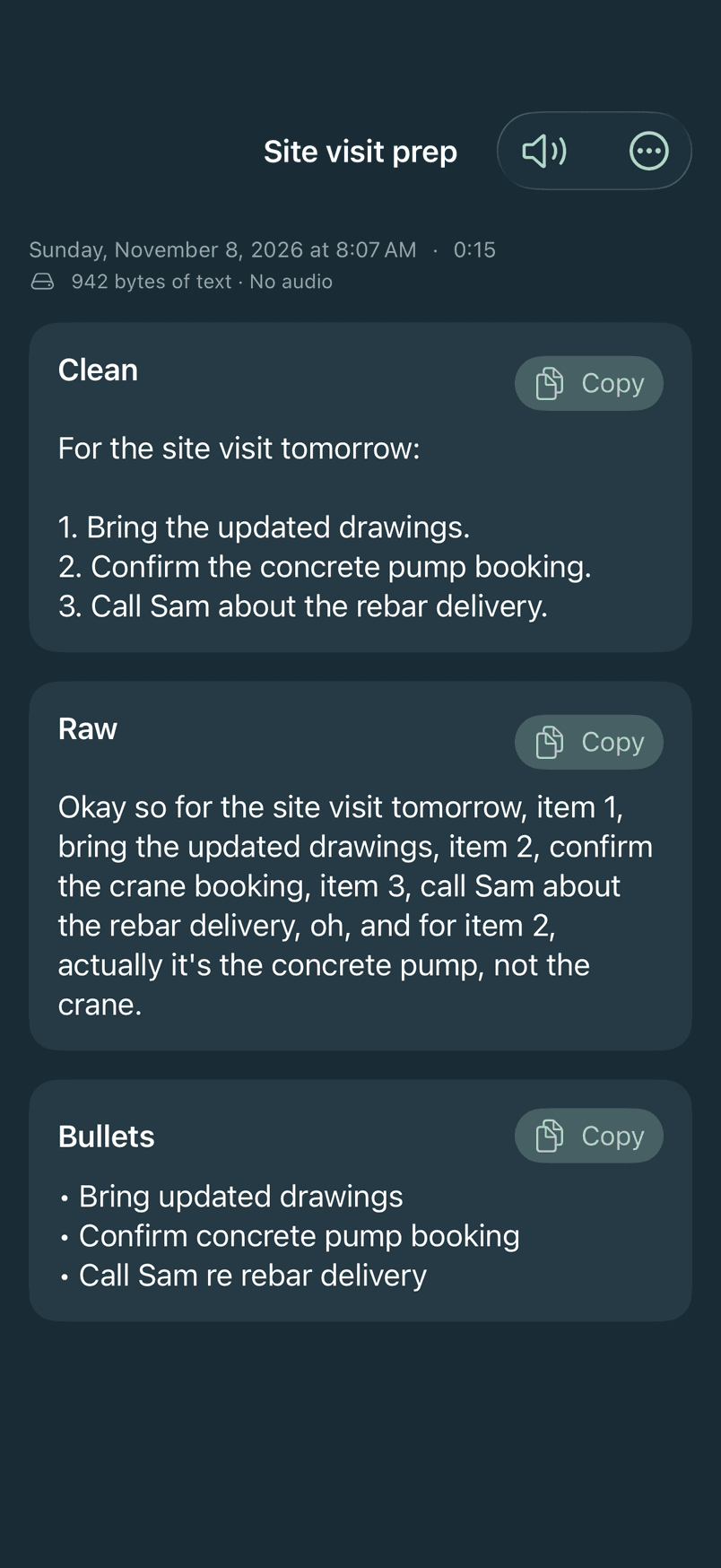
Choose a template before you talk, or rewrite any capture afterwards. Raw is always there, exactly as you said it, and never leaves your device.
What you said
Exactly as spoken
okay so um the floor plan has to go to the movers by thursday no actually wednesday and someone needs to book the freight elevator for saturday morning oh and can you ask dana if the new desks can come friday
Clean
Your words, tidied up: what you'd have typed.
The floor plan has to go to the movers by Wednesday, and someone needs to book the freight elevator for Saturday morning. Can you ask Dana if the new desks can come Friday?
Also on iPhone and iPad: Rewrite as… turns any capture into another template, and Read aloud plays it back.
Meetings
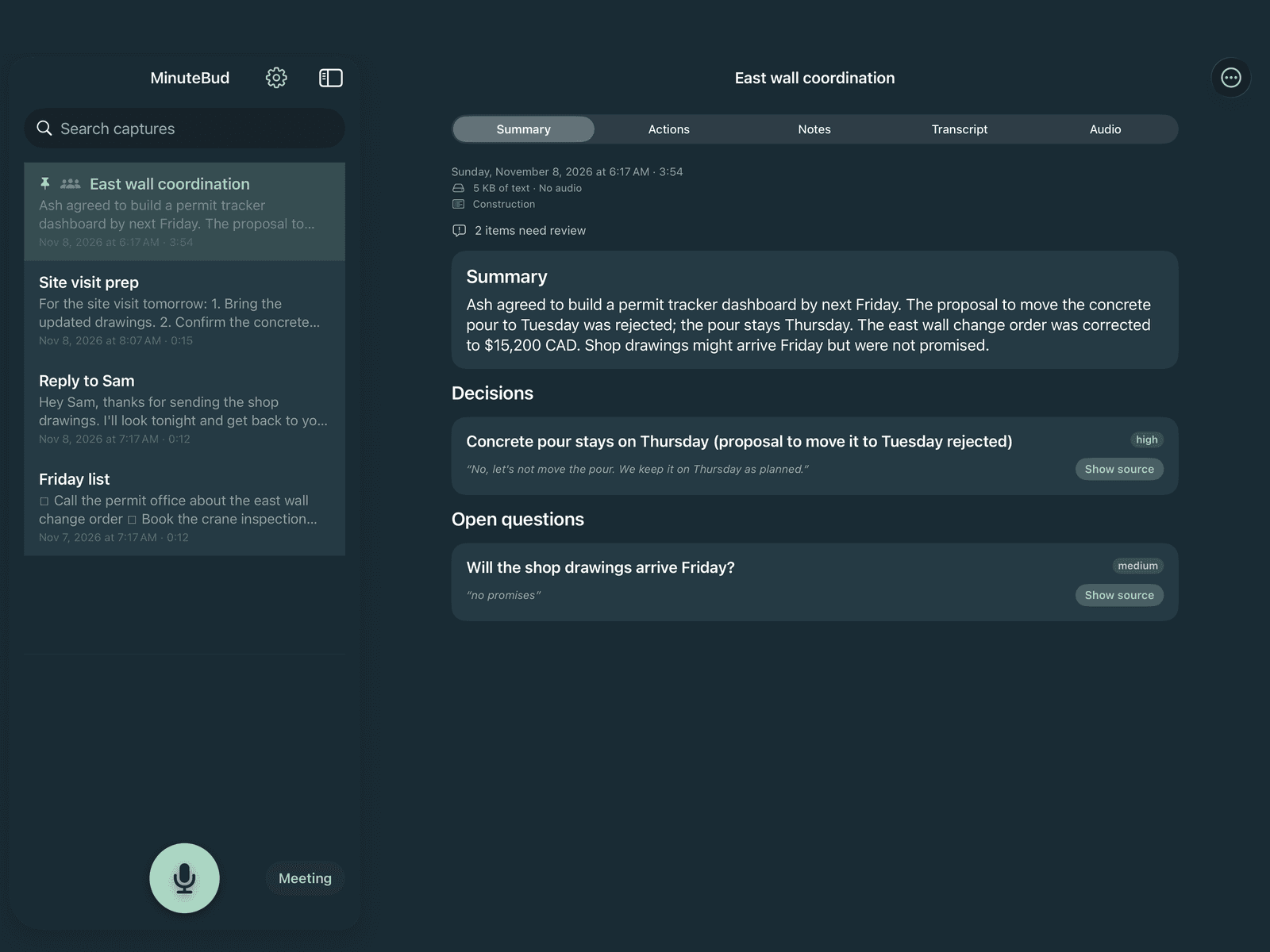
Meetings in, notes out. Every line shows its source.
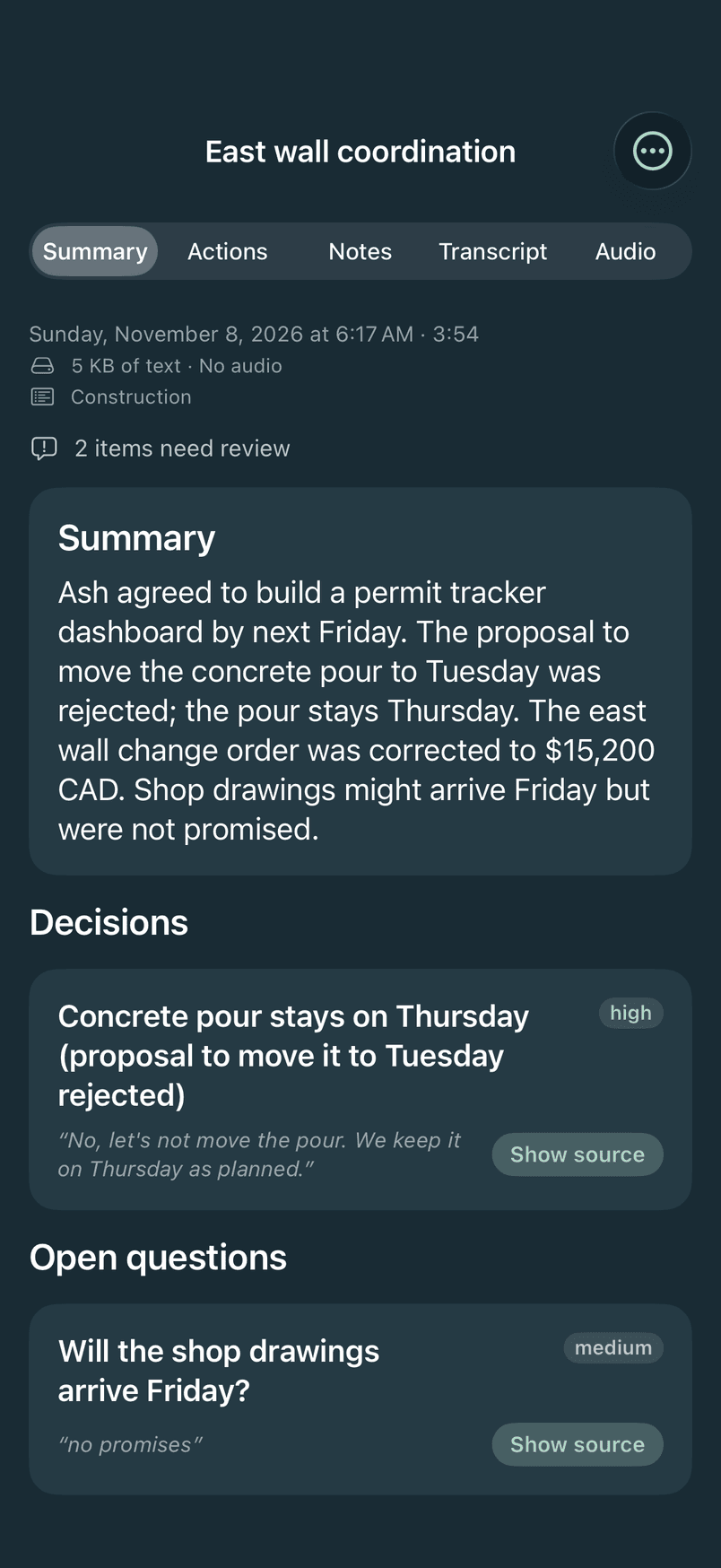
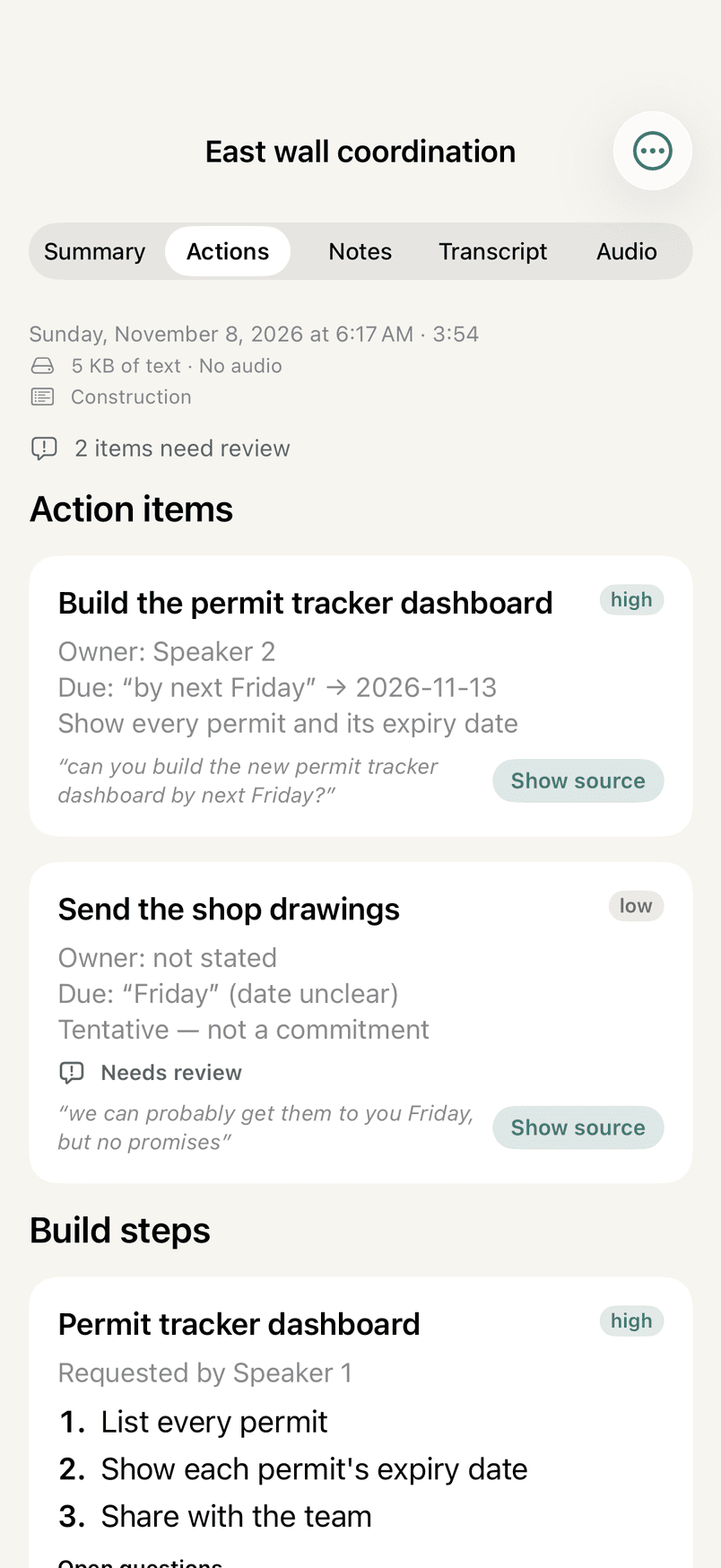
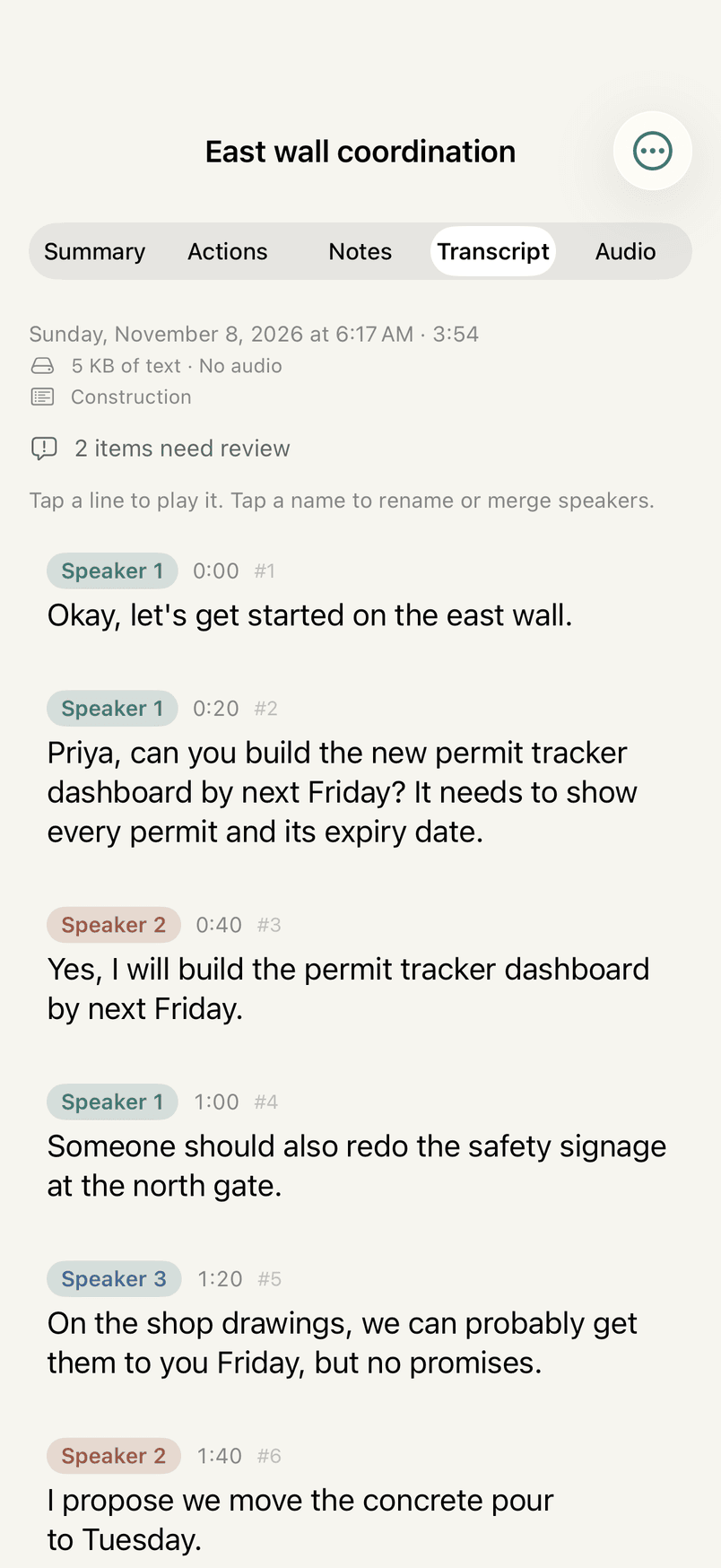
Record up to three hours with the phone locked. MinuteBud works out who said what on the phone, then writes a summary, decisions, action items with owners and dates, and open questions. Each item quotes the line it came from, and anything the app can't find in the transcript is marked for review.
Careful with what was said
Notes are written so “probably Friday, no promises” stays tentative, a rejected idea is never a decision, and a later correction replaces the earlier figure.
Templates for the meeting you're in
General, One-on-one, Gathering information, Sales, partner or investor, Project kickoff or status, Construction, and Client or Product. Each adds its own sections.
Names are yours
Tap a speaker to rename or merge them. That changes how they are shown, never the transcript.
Live demo
Who said what, worked out on the phone
Try it: tap a name to rename a speaker, or merge two speakers that are really one person.
An interactive redraw of MinuteBud's screens, running its recording and speaker logic on an invented meeting with a simulated clock. Nothing is recorded.
Meetings
Office move planning
Fri 6 Nov 2026 · 0:42 · 3 people · On this iPhone
Tap a name to rename or merge speakers.
- 0:00#1
Okay, let's start. This is the planning call for the office move.
- 0:05#2
Can you send the floor plan to the movers by Thursday? They need it for the quote.
- 0:12#3
Yes, I'll send the floor plan by Thursday.
- 0:16#4
Someone should book the freight elevator for Saturday morning.
- 0:20#5
The new desks could probably arrive Friday, but no promises.
- 0:24#6
I'd move everything on Sunday instead.
- 0:27#7
Let's keep it on Saturday, as planned.
- 0:30#8
The movers quoted four thousand two hundred dollars.
- 0:35#9
Actually, correction: four thousand six hundred, with packing.
- 0:39#10
Great. Thanks, everyone. Same time next week.
The transcript itself is never changed.
How a line is made
Speaker separation returns turns whose edges don't sit exactly on the words. Each word goes to the turn it overlaps most, and a new line starts when the speaker changes, after a pause longer than a second and a half, or after thirty seconds.
Speaker turns
Words
Lines
Mac
Hold ⌥ Space. Talk. Let go.
Option plus Space⌥Space
The text appears at your cursor in any app, and whatever was on your clipboard is put back afterwards. Press esc to cancel.
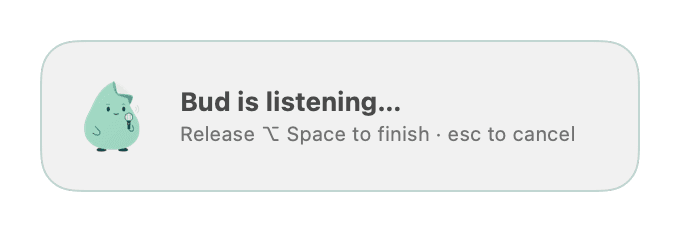
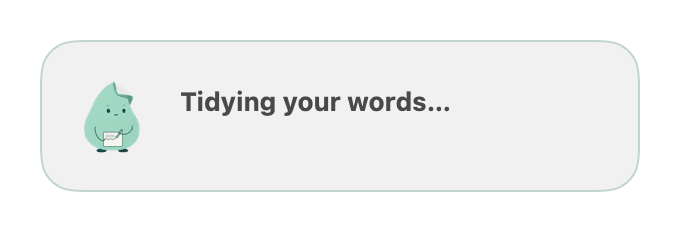
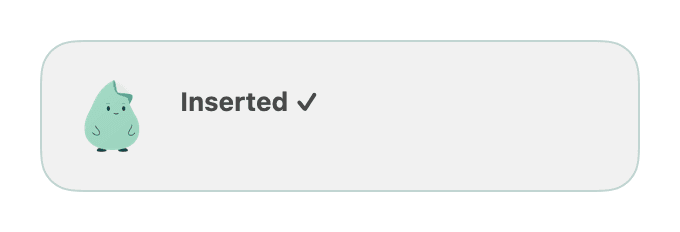
Listening while you hold the keys.
iPhone, iPad and Mac
Your phone, your iPad, your Mac.
Recording
0:00
MinuteBud
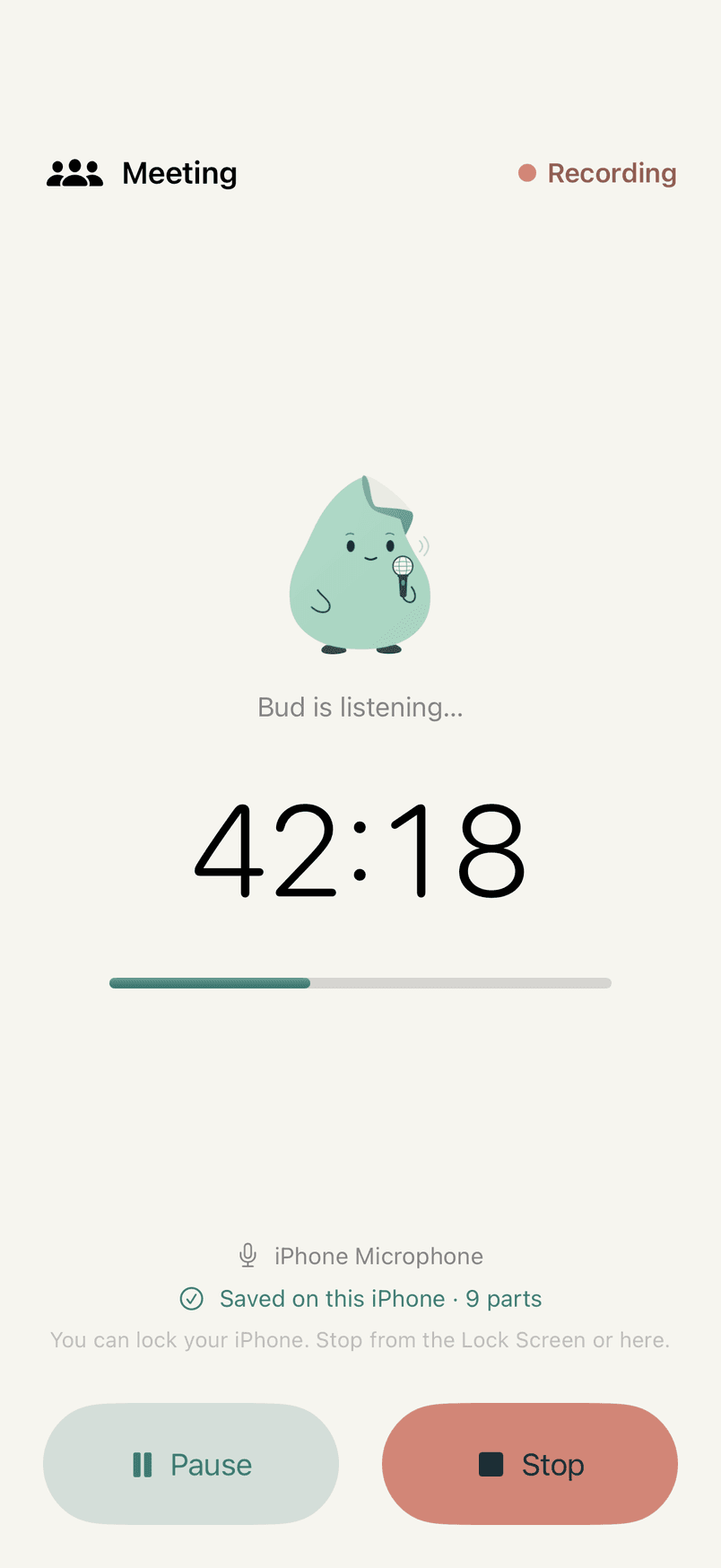
The Lock Screen's Live Activity, redrawn. Pause and Stop work.
- Action Button and Lock Screen
- Start a recording even on a locked iPhone. A Live Activity shows recording, paused and saved, with Pause and Stop.
- Search every word
- Every word of every capture, names included, ignoring case and accents.
- Pin what matters
- Pinned captures stay at the top on iPhone, iPad and Mac.
- Siri, Shortcuts and Control Center
- Start, pause and stop a recording from Siri, a shortcut or a Control Center button.
- Your own iCloud
- History is designed to sync through your own iCloud. There is no MinuteBud server.
- Light and dark
- Every screen, both ways.
Reliability
Built to be pulled out from under.
Phones kill apps: for memory, for an update, because a call came in. MinuteBud assumes it will happen mid-meeting, so nothing it needs depends on the app having closed cleanly. A crash loses at most the quarter-second being captured.
- Written as it happens
- Every quarter-second of audio goes straight to a file on the phone.
- A new file every five minutes
- No single file holds the whole meeting, and a full part is never written to again.
- Recovered from the files
- Reopen the app and it rebuilds the meeting from the parts on the phone.
- Joined only when safe
- The parts become one file through a temporary copy, and are deleted only once it is complete.
Privacy
What leaves your device, and when.
- Audio is saved, and transcribed, on the device before anything is sent.
- Dictation sends the transcript's text to be tidied, never the audio.
- Raw keeps exactly what you said and sends nothing.
- Cancel throws a recording away: no transcript, no tidy-up, no audio, no history entry.
- Meeting audio leaves the phone only if you choose cloud transcription, and the service's copy is deleted once the transcript is back.
- Keys are kept in the Keychain, never in files. There is no analytics or tracking.
- The keyboard has no network access of its own and never records what you type.
Where MinuteBud is today
Version 0.1- Tested on iPhone
- Dictation from the app and the Action Button, the Live Activity with Pause and Stop, the offline draft replaced when back online, and the keyboard round trip into Messages.
- Built and tested in the lab
- Meeting recording, crash recovery and speaker separation on demonstration recordings; meeting notes on example notes; templates, Cancel, iPad and the Mac app on development builds.
- Coming
- The App Store, sync tested between devices, and notes measured on a real meeting.
MinuteBud is RoomAMD's own app. The screens on this page are from the app itself; the meetings and messages in them are made up.
Want an app like MinuteBud, built around how your team talks?
We'll walk through MinuteBud with you, and what we'd reuse from it in an app built around the way your team talks and works.